Whether it’s resizing an image or shortening a link, PixnZip gives you the tools you need without slowing you down. Quick, simple, and free.
Leo and the Magic File Converter
The Messy Desk
Leo sat at his colorful desk, staring at a mountain of image files. There were JPGs, PNGs, and WebPs everywhere! “Oh no!” he exclaimed, scratching his head. “How am I ever going to organize all these files?” Tiny question marks and sweat drops danced above his head as the files seemed to wiggle and jump around. Leo felt a little overwhelmed—but he didn’t give up!
A Bright Idea
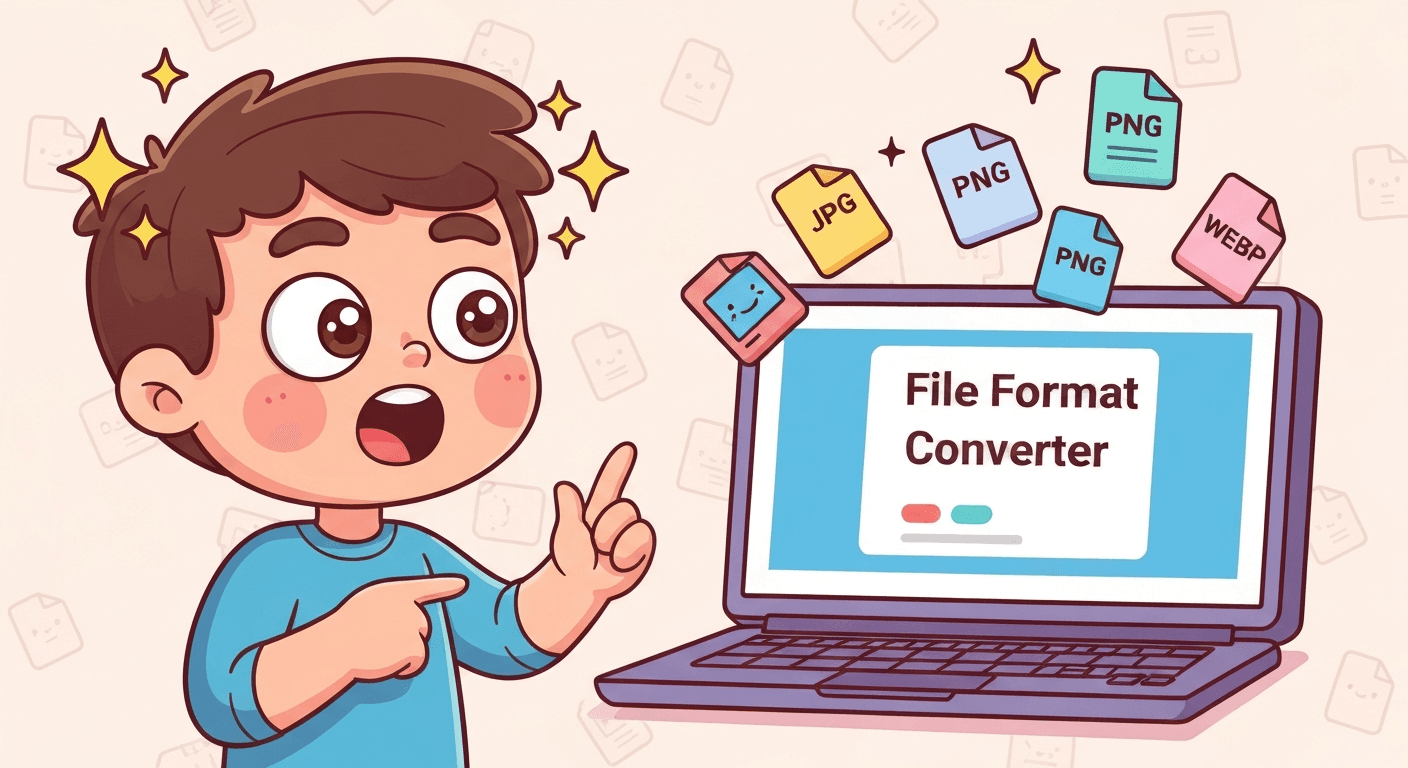
Suddenly, a glow appeared on his laptop screen. “Hmm… what’s this?” Leo gasped. His eyes sparkled with excitement. On the screen, a friendly tool called the File Format Converter blinked happily. “Could this help me?” he wondered. The JPGs, PNGs, and WebPs floated toward the screen as if they were curious too!
Magical Conversion
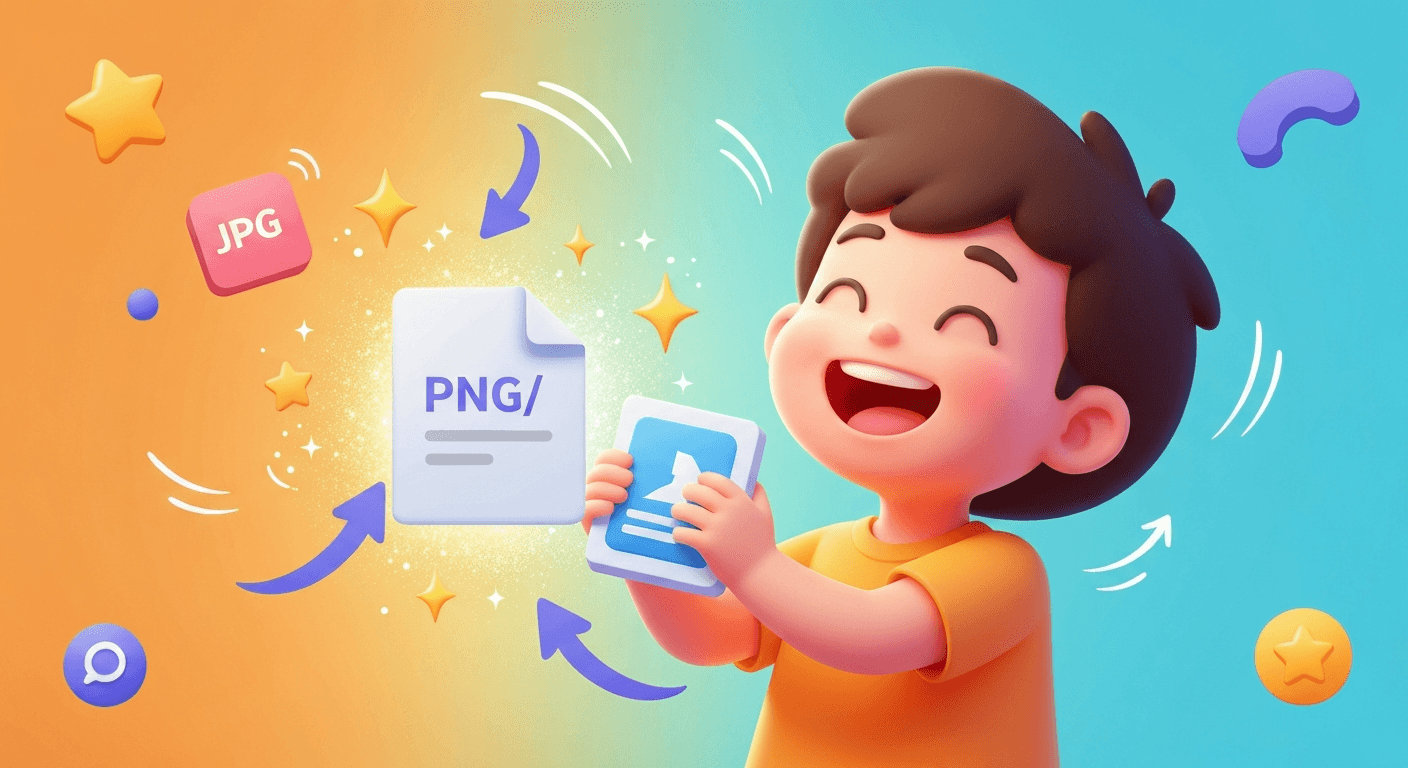
Leo carefully picked up a JPG file and placed it in the converter. “Whoa!” he cheered as it transformed into a shiny PNG with sparkles and magical arrows flying everywhere. One by one, the files changed, twinkling and spinning in the air, while Leo laughed with delight. It was like magic, and everything felt so easy!
A Job Well Done
Finally, Leo held a neat stack of perfectly converted files. He threw his arms up in victory. “I did it!” he shouted, his eyes sparkling. The laptop screen flashed proudly: “Conversion Complete!” The files looked happy too, lined up neatly on his desk. Leo knew that with a little magic (and the right tools), even the biggest mess could be turned into something wonderful.
Frequently Asked Questions
Are PixnZip tools completely free to use?
Is it safe to use PixnZip for image and PDF processing?