The Free Tools That Actually Run My Six-Figure Freelance Business
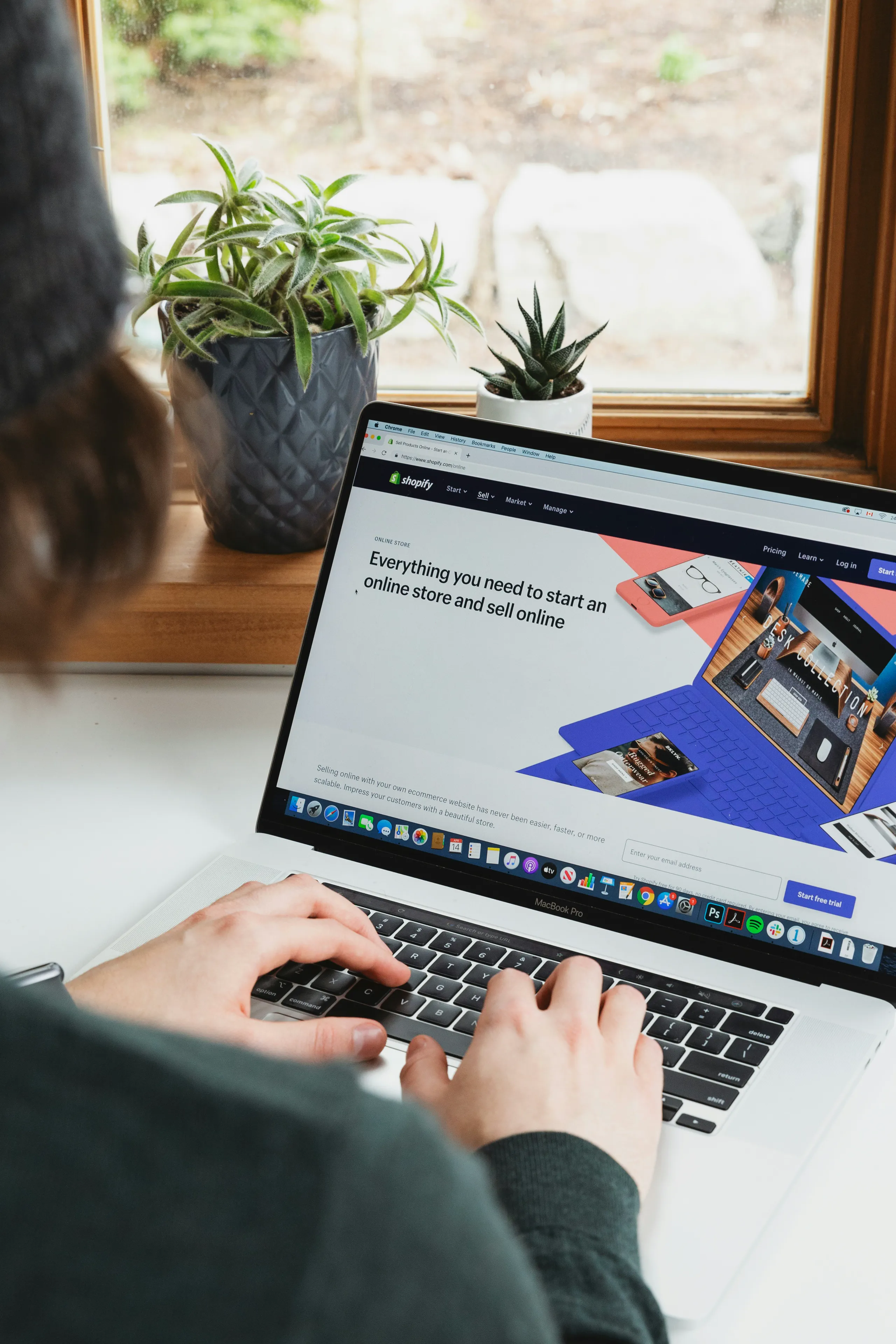
I call it the "hustle tax." It's the price we pay for being scrappy. I once spent three hours on what should have been a 15-minute task: delivering a final set of branding assets to a new client. My process was a Frankenstein's monster of free tools. I downloaded the source files from Google Drive, unzipped them, opened a free online image editor to resize the PNGs, used another free site to compress them, fought with a different app to re-zip the folder, and finally uploaded the 50MB monstrosity to WeTransfer, which of course timed out twice.
By the time the client got the link, I was exhausted and frustrated. My "free" workflow had cost me a morning I should have spent on billable work. That day, I realized that the best free tools aren’t just about saving money. They're about saving your most valuable asset: your time and your sanity.
The Quick Win: It's Not the Tools, It's the Stack
Let's kill a myth right now. There is no single "best free tool." The secret is to find a small, powerful *stack* of tools that work together to eliminate friction. Your goal is to build a seamless workflow, not just a folder full of bookmarks. A great tool reduces the number of tabs you have open. It combines multiple steps into one. For a freelancer, efficiency is profit. A smart, consolidated toolchain—where you can manage files, compress assets, and share them from one place, for example—is the foundation of a business that scales.
Deep Dive: Building a Frictionless Freelance Machine
Managing Your Sanity: Projects and Tasks Without the Overhead
When you're a team of one, a complex project management system is overkill. You need a digital whiteboard, not a corporate ERP. For years, I've run my entire client pipeline on a simple Kanban board in Trello. It has five columns: "Potential Leads," "Proposals Sent," "In Progress," "Awaiting Feedback," and "Completed/Paid." That's it.
Each client gets a card. On that card, I have checklists for deliverables, deadlines, and links to our shared files. It's a visual, at-a-glance view of my entire business. I know exactly what I need to work on, who I need to chase, and where the money is. Many people get lost trying to build elaborate systems in tools like Notion. While powerful, it can be a procrastination trap. Start simple.
Pro Tip: Create an "On-Hold" column. When a client goes dark or a project is paused, drag their card there. This keeps your "In Progress" lane clean and focused on active, billable work. It’s a simple psychological trick that declutters your mind.
Getting Paid: The Art of Effortless Invoicing
Chasing invoices is the most soul-crushing part of freelancing. Sending a Word doc and a prayer is not a strategy. You need a system. I started out using Wave, which offers free, professional invoicing. You can create templates, track what's paid and what's overdue, and send automatic reminders.
Moving from manual invoices to an automated system was a revelation. It removed the emotion and awkwardness from asking for money. The system became the "bad guy" that sent the follow-ups, not me. This single change freed up hours of administrative work per month and dramatically improved my cash flow. If a client is consistently late, I know they aren't a good fit for my business—the data makes the decision for me.
The Real Bottleneck: Creating, Prepping, and Delivering Files
This is where most freelancers bleed time. Your work isn't done when the design is finished or the copy is written. It’s done when the client has the assets, correctly formatted and easy to access. This "last mile" is part of your client experience, and it's where most free-tool workflows fall apart.
Just last week, a client needed a batch of blog images converted and compressed for their new website. The folder contained a mix of massive PNGs and unoptimized JPGs. The old me would have fired up three different browser tabs and started a painful, one-by-one conversion process. The new me has a better way.
I now use an integrated file utility as my command center for this kind of work. With a tool like PixnZip, I can handle this entire task in a single, fluid motion. I drag the whole folder in, tell it to convert everything to optimized WebP, and compress the output into a single, tidy ZIP file. It even generates a short, branded link for me to send to the client. What used to be a 30-minute chore is now a 3-minute task.
The workflow transformed:
- Before: Download > Unzip > Open Tool 1 (Convert) > Open Tool 2 (Compress) > Re-zip > Open Tool 3 (Upload/Share)
- After: Drag into PixnZip > Set Output Rules > Get a single, clean link.
This isn't just about speed; it's about professionalism. Sending a clean, optimized package via a simple link (👉 https://www.pixnzip.com) signals that you are an expert who values their time and the client's.
Beyond Email: Communication That Actually Moves Projects Forward
Email is where projects go to die. For quick conversations and feedback, you need something better. The free tier of Slack is perfect for this. I create a dedicated channel for each major client. It keeps our conversations organized and out of my cluttered inbox.
But the real game-changer for me has been asynchronous video. A tool like Loom lets you record your screen and yourself, then share it with a link. Explaining a complex design revision or walking a client through a website update over email is painful. A two-minute Loom video, where they can see my cursor and hear my voice, is 10x clearer and saves us both a 30-minute Zoom call. It’s the ultimate meeting-killer.
The Counter-Intuitive Section: Your Hoard of Free Tools Is Making You Poorer
The common advice for new freelancers is to bookmark every free tool you can find. There are entire directories dedicated to it. This is a trap. Having a free tool for every conceivable micro-task doesn't make you more productive; it makes you a professional context-switcher.
Every time you switch tabs, you pay a mental tax. You lose focus. Your brain has to re-engage with a new interface, a new set of options. That "free" PDF converter, image resizer, and file-sharing site are collectively costing you a fortune in lost focus and billable hours.
The smarter, experience-backed alternative is to find a few powerful "hub" tools that consolidate multiple steps. Look for tools that bundle related tasks. Does your project management tool have a decent document feature? Use it instead of adding another app. Does your file management tool also handle compression and sharing? Perfect. The goal is to build a lean, mean stack where you spend more time *doing* the work and less time *managing* the tools.
Frequently Asked Questions (The Real Answers)
- Are these tools *really* free? What's the catch?
- Mostly. They operate on a "freemium" model. The free tier is designed to be very useful, but they hope you'll eventually hit a limitation (like storage space or number of users) and upgrade. The "catch" is that you're giving them your data and your loyalty. For a solo freelancer, the free tiers are often more than enough to run your business effectively.
- At what point should I actually pay for a tool?
- The moment the friction of the free tool costs you more in time than the paid plan costs in money. If you're spending 15 minutes every day working around a storage limit, and the paid plan is $10 a month, you're losing money by staying free. Calculate your hourly rate and do the math. Your time is worth more.
- How do I choose between two similar tools, like Asana vs. Trello?
- Stop reading reviews and spend 30 minutes in each. The "best" tool is the one that clicks with how your brain works. If Trello's visual cards make instant sense to you, use that. If you prefer Asana's list-based structure, go for it. Don't choose a tool because a guru told you to; choose the one that feels the least like work.
- Can I really run my entire business on just free tools?
- You can certainly start it and run it for a while. But eventually, you'll hit a ceiling. Investing in premium tools is investing in your own efficiency. My first paid tool was an accounting system. The peace of mind and time it saved me during tax season was worth 100x the subscription cost.
The "Real Talk" Ending
Be honest with yourself. How many browser tabs do you have open right now? How much of your day is spent toggling between them, copying and pasting, uploading and downloading? That's the hustle tax, and you're paying it every single day.
Here's my challenge to you: For the next project you work on, map out your workflow from start to finish. From the first client email to the final delivery. Identify every single app and tab you touch. Then, ask yourself a hard question: "How can I consolidate this?"
Don't just look for more free tools. Look for ways to eliminate them. Experiment with a tool that does three jobs instead of one. Try using an integrated solution that handles file prep and delivery in one go. The time you get back won't just be a few minutes here and there. It will be the focused, deep-work hours that produce your best work and grow your business.